

 Main menu
10 Productivity - Boosting Apps - Part II
Part I of this article highlighted the advantages of using appropriate productivity tools and introduced 4 useful apps. Part II will continue with 6 more apps.
Best productivity Boosting apps
5. Instapaper for Reading Later
This app is particularly useful for content creators who spend considerable time reading and researching online, finding plenty of interesting information. Instapaper allows users to save any articles or snippets they find valuable, enabling them to review them later during their free time. There's no need to save entire articles—just the key sections can be preserved for later reading.

Other recommended apps: Pocket.
6. Roam for Note-Taking and Information Management
This app can be used daily to add notes, brainstorm project ideas, conduct weekly reviews, plan, strategize, and journal. It stores all digital information related to work and personal life, allowing you to capture your thoughts for future reference. For simple tasks like a shopping list, consider using Apple Notes or Google Keep.
Other recommended apps are Obsidian or Notion.
7. Google Drive for File Storage and Sharing
This application is ideal for storing and sharing files. For enhanced features, you can upgrade to Google Workspace.
You can sync Google Drive with your computer, so you don’t have to open it from the browser whenever you want to upload something.
This app allows you to store various types of content, including videos, meeting recordings, courses, lessons, workshops, and any work-related materials. It's a great tool for collaboration because you can easily grant someone access to the folder or file if you need them to work with you on a particular project.

Other recommended apps are OneDrive or Dropbox.
8. Zoom for Communication and Collaboration
This app is ideal for hosting meetings and workshops, making it one of the top communication tools available today. Zoom allows you to record meetings for later access, and you can easily upload these recordings to Google Drive for sharing, allowing others to review the discussions as needed.
If you need to illustrate concepts with drawings, consider using the Notability app on an iPad with a stylus. To schedule client meetings, use Calendly, which makes it easy to share your available times according to others' time zones. Additionally, Zoom automatically integrates meetings into your calendar. If you want to share something quickly, you can record a brief video using Loom and send participants a link to watch it online.

Other recommended apps are Teams or Google Meet.
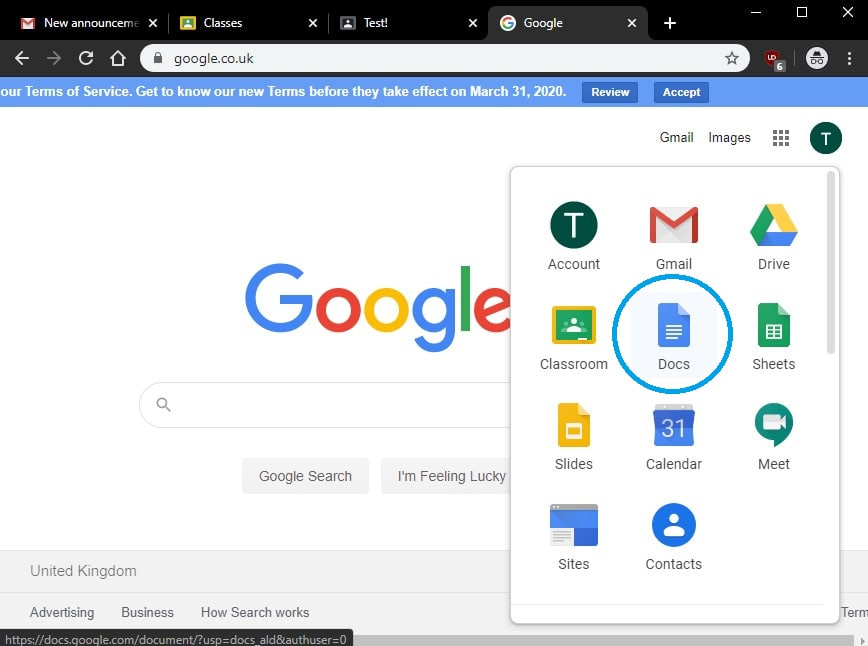
9. Google Docs for Writing
This app provides a straightforward writing experience and integrates seamlessly with Google Drive as part of Google's suite. It also facilitates collaboration, as comments can easily share ideas.
Moreover, you can use Google Docs to create simple presentations that prioritize content over design. To improve your writing style, you can use two additional tools:
- Hemingway: This helps refine your writing to be clear and concise.
- Grammarly: which corrects grammatical and spelling mistakes while offering suggestions for improving style, word choice, clarity, and readability.
Other recommended apps are Scrivener and Sublime Text.
10. Google Sheets
This user-friendly app is perfect for creating spreadsheets for various purposes, including customer relationship management, client records, weekly planning, task prioritization, and even tracking personal metrics like weight, gym schedules, goal setting, and expenses.
Other recommended apps are Excel or Airtable.
In Conclusion
This two-part article discussed a variety of tools and apps designed to boost productivity and efficiency. We recommend using these resources if you haven't already adopted productivity tools in your workflow.



Stay Informed with the Latest Developments